
Strikeborn Controls Cheatsheet
A one-screen bind list you can leave open while you lab on the cliff.
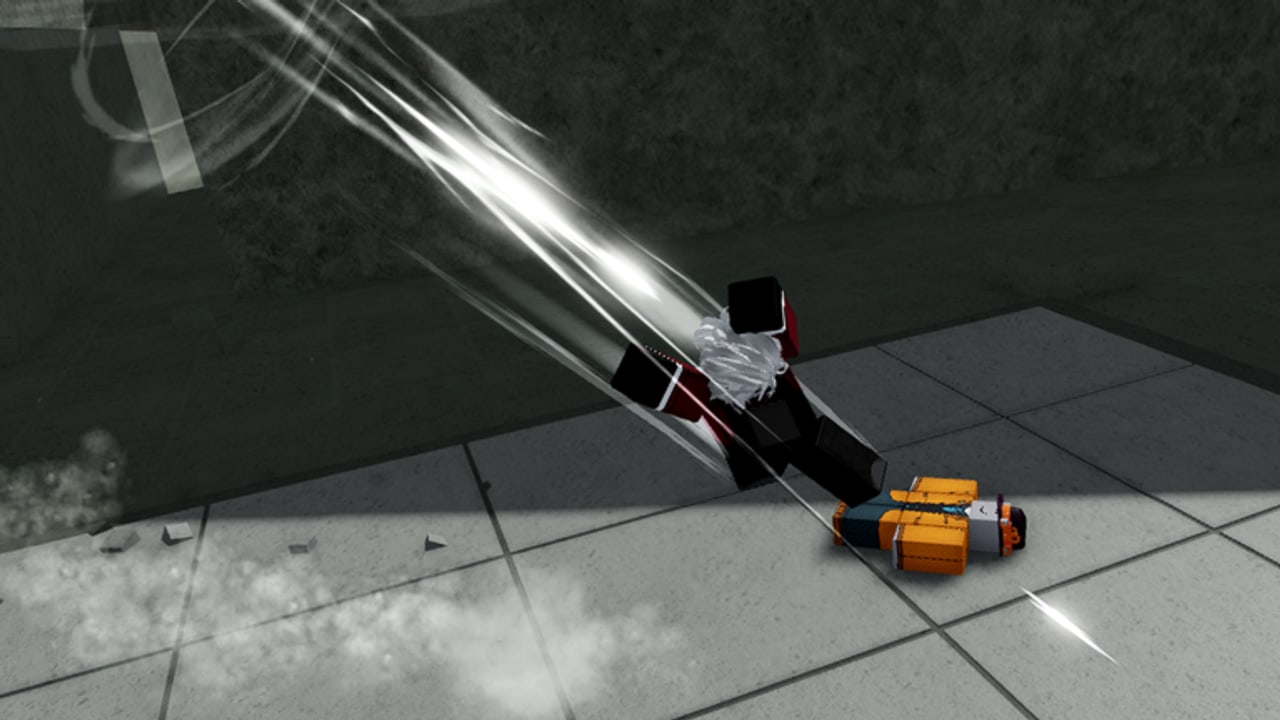
This is the short version of controls. SSSStudio has not published an official keycard, so every PC bind below is a typical battlegrounds default plus behavior confirmed in creator HUDs. If your Settings menu disagrees, your Settings menu wins.
Use it next to combat and the combo notation page.
PC (typical)
| Action | Bind | Lab note |
|---|---|---|
| M1 | Left mouse | Watch which hit uppercuts. Guts footage: hit 3 up, hit 4 down. |
| Skills | 1 2 3 4 | Slot order, not mobile glyphs. |
| Dash | Q (confirm) | HUD pips. Confirm, do not commute. |
| Jump | Space | After an uppercut, not during hit 4. |
| Ultimate | G (confirm) | Guts super was unfinished in showcases. |
| Shift lock | Left Shift / icon | Required for air tracking. |
| Camera | Mouse | Part of Guts look-down kick. |
Look-down kick (Guts): M1 x3 → look down → Q. See the Guts guide.
Direction variant: hold W or S (or the stick) while pressing a skill. Do this for every slot.
Mobile
| Action | Where |
|---|---|
| M1 | Right-side attack button |
| Skills | Slot cluster — use order, not numbers |
| Dash | Separate button; move it off the M1 thumb |
| Jump | Jump button; wall jumps need a clean second tap |
| Lock | Enable if the build offers it |
Mobile starter: Yuji. Guts is playable if you raise camera sensitivity first.
Controller
| Idea | Habit |
|---|---|
| M1 string | Flatten the stick so a forward tilt does not eat the uppercut |
| Variants | Back-tilt + skill |
| Camera | High enough to track air, low enough not to throw you off a cliff |
| Dash | A face button you can hit without dropping M1 |
Movement toys (all devices)
- Dash pips on the HUD. Empty pips = you will not chase.
- Wall jump: jump into stone, jump again. Waterfall mist is not a wall.
- Jump pads: run in, take height, start a fight from above.
- Edges: down slams stock people into the ravine. Know where the lip is before you press hit 4.
Pre-lab checklist
- Shift lock on.
- Graphics low enough to see bodies in mist.
- Complete character only — Yuji or Guts.
- Ten minutes of variants (grounded, back, air).
- One wall jump, one pad, one uppercut convert.
If a patch remaps defaults, this sheet and the long controls guide will change together. Until then, keep this page on a second screen and keep your hands on the cliff. The tools hub links the notation key when you start writing routes down.
One-life reminder card
Before you take a convert into a crowded courtyard, glance at this list:
- Dash pips remaining: if you have one, it is for the follow, not the walk-up.
- Lock on: if the camera is free, the air route is a wish.
- Hit you will stop on: three for an uppercut on Guts footage, not four.
- Exit: wall, pad, or ravine lip. If you cannot name the exit, you are about to donate a clip to someone else.
- Character: still Yuji or Guts. If you clicked an unfinished portrait, reset.
That card is the whole point of a cheatsheet. The long guide explains why. This page is what you actually look at while the waterfall is loud. When you start writing sequences, switch to combo notation so j.4 means the same thing tomorrow.
Frequently Asked Questions
Quick answers for Strikeborn early-access players.
Is this the official Strikeborn keycard?
No. It is a cheatsheet of typical battlegrounds binds plus confirmed HUD behavior. Trust Settings if they differ.
What is the most important bind?
Dash plus shift lock. Air converts die if you cannot chase or look.
Does mobile use 1 2 3 4?
Treat written 1–4 as slot order. Mobile glyphs may differ.
Where is the long explanation?
The controls guide. This page is the printable version.