
Strikeborn Controls
Device binds plus the movement toys the HUD actually shows you.
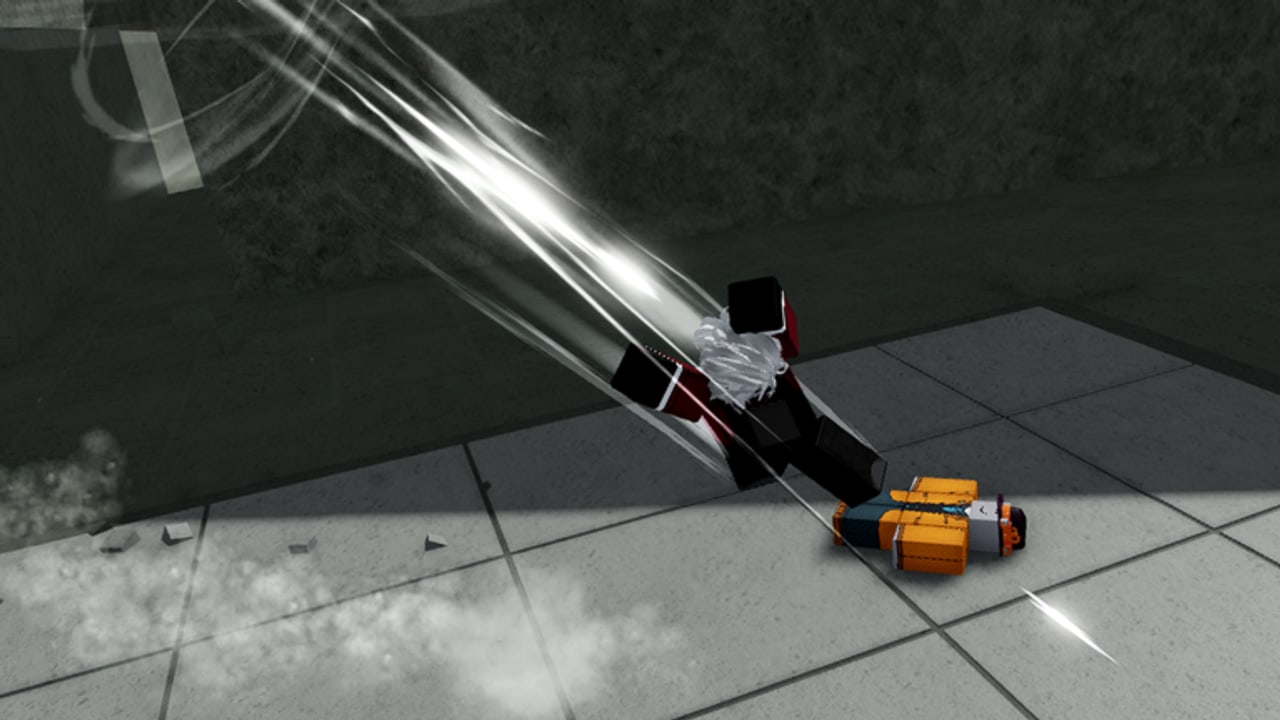
Strikeborn lists PC, mobile, and controller on the Roblox page. The fighting system is still a battlegrounds layout: light attacks, a small skill bar, a dash resource, jump, and an awakening-style ultimate on kits that have one. SSSStudio has not published a pretty keycard, so this page splits confirmed in-game behavior from typical Roblox battlegrounds defaults. If a bind in your client differs, trust the client.
Use this with Getting Started and combat. Character-specific tricks sit on Yuji and Guts.
Typical PC layout
These are the defaults most battlegrounds players will find, and they match what creator HUDs showed during tests:
| Action | Typical PC bind | Notes |
|---|---|---|
| M1 string | Left mouse | Four-hit family. Guts footage shows hit 3 as an uppercut and hit 4 coming back down. |
| Skills 1–4 | 1 2 3 4 | Many skills have air and direction variants. |
| Dash | Q (confirm in your settings) | HUD shows dash pips. Do not dump them all on approach. |
| Jump | Space | Air combos need a jump or an uppercut, not both mashed. |
| Block / defensive option | Often F or a held M2 — verify in settings | Do not assume TSB block if your menu names it something else. |
| Ultimate / awakening | Often G | Guts’ ultimate was still incomplete in early showcases. |
| Emotes | Menu button | Emotes are a randomized reward; they are not combat. |
| Shift lock | Left Shift or the lock icon | Strongly recommended for air tracking. |
Creator clips also show looking down after three M1s and pressing the dash-adjacent key to pop a kick-off tech on Guts. That is a camera-plus-input trick, not a separate listed bind. Lab it in How to play Guts.
Mobile
On mobile you get on-screen buttons for M1, jump, dash, and four skills. Thumb overlap is the real enemy:
- Put dash where you will not fat-finger it during an M1 string.
- Keep skill 1 on a reachable cluster; it is your most common combo starter or grab.
- Enable shift lock if the mobile build offers it. Air combos without lock turn into camera spins over the waterfall.
- Jump pads are easier on mobile than wall jumps because you can run into them. Wall jumps need a clean jump press against stone — practice on a quiet cliff before a 100-player pile.
If the on-screen skill labels do not match PC numbers, ignore the numbers in written combos and use slot order. This wiki writes 1–4 as slot order, not as a promise that mobile shows those glyphs.
Controller
Controller is supported. Face buttons usually map M1 / jump / dash, bumpers or triggers map skills, and the right stick is camera. Two rules matter more than the exact glyphs:
- Camera is part of the moveset. Directional variants (including holding back /
Son keyboard) change skills. On a stick, that means a deliberate back tilt at the same time as a skill. - Dead zones eat uppercuts. If your M1 string never launches, your forward tilt may be canceling the third-hit uppercut. Flatten the stick during the string, then steer in the air.
Movement toys that are not optional
These are not graphics. They are controls.
Dash pips. The HUD tracks dashes. Chasing every knockdown with a dash is how you get counter-hit in the air with no escape. Spend dashes to confirm, not to greet.
Wall jump. Test footage showed wall jumps on the cliff faces. Jump into a wall, jump again, continue a route or escape a ravine death. If your character slides, you were too shallow or you had already used the reset.
Jump pads. Small pads around the map launch you. Use them as approach, as combo extenders if the launch is hittable, and as a way to take a high ledge without spending dashes.
Direction variants. Holding back while pressing a skill changed several tools in test builds. After you can walk and dash, spend ten minutes pressing each of 1–4 while holding forward, then while holding back, then in the air. Write down anything that is not the grounded forward version. That notebook is more valuable than a copied TSB combo card.
Settings worth opening on day one
- Shift lock on.
- Camera sensitivity high enough to track air, low enough that a 180 does not throw you off the cliff.
- Graphics low enough that waterfalls do not hide bodies. Strikeborn’s map is pretty; pretty is how you drop combos.
- Keybinds that do not fight your Roblox screenshot or push-to-talk keys.
When you are done, go back to combat and actually use the binds. The controls cheatsheet is a shorter printable version of this page. If a patch remaps defaults, we will note it on Updates.
Frequently Asked Questions
Quick answers for Strikeborn early-access players.
What is the dash key in Strikeborn?
Creator HUDs treat dash as a pip resource, typically on Q on PC. Confirm in Settings — SSSStudio has not posted an official keycard.
Do I need shift lock?
Yes if you want consistent air combos. The camera is part of several Guts techs and Yuji air routes.
Are mobile controls complete?
Mobile is supported. Use slot order for skills, enable lock if offered, and lab wall jumps on an empty cliff before crowded fights.
Where is the block button?
Check Settings. Do not copy a TSB bind blindly. Some kits also have counter skills, which are not the same as a hold-block.