
Strikeborn Discord
The invite from the official trailer, and the channels that actually matter.
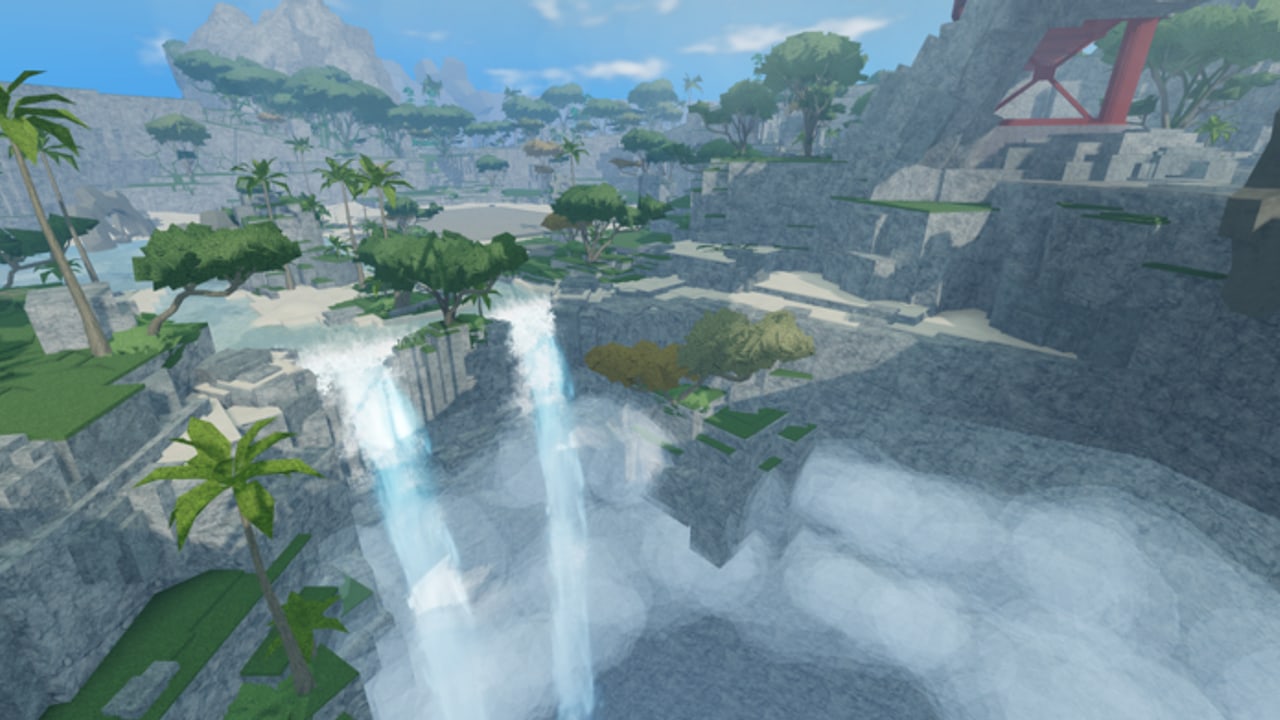
The official Strikeborn trailer points at https://discord.com/invite/strikeborn. That is the invite this wiki uses. Older creator videos include different vanities from the test year; those may still be community hangouts, but they are not the staff board we treat as canonical.
This page is not a scrape of every channel. Discord layouts change. It is a field guide for what to do in the server once you are in.
Why you should join
- Join issues. Age gates, region checks, and flaky public teleports were all reported during early access. Staff and other testers will say whether the listing is down before a random SEO blog does. See early access.
- Codes. When a string exists, it will almost certainly appear here first. Our codes hub stays empty until that happens.
- Patch timing. The updates hub is the structured version. Discord is the firehose.
- Roster truths. If Jinchuriki or Gon ships, it will not be a secret. It will be an announcement, and then a page on this wiki. See the roadmap.
What to mute
- Looking-for-scripts channels. Read script safety instead of downloading a hub from a stranger in #general.
- Account-for-sale DMs. You already paid Robux. Nobody needs to “upgrade” your early access.
- Fake staff. Real announcements will not ask you to paste a cookie, run an
.exe, or verify with a third-party site.
Other Discords you will see
Creators who covered the tests (Fumblit, Gamma, TOUGH, Hitana, and others) have their own servers. They are useful for clips. They are not SSSStudio. If a clip Discord posts a code, wait for it on the official invite or on our codes hub before you treat it as live.
Invite hygiene
- Prefer typing discord.com/invite/strikeborn yourself rather than clicking a wrapped link in a YouTube comment.
- If the invite is invalid, do not immediately join the first “Strikeborn” server Discord search returns. Come back to this page; we will update the URL if staff publish a new vanity.
- Never paste a Discord token, a Roblox cookie, or a
/verifycommand from a DM.
After you join
Favorite the Roblox listing, read Getting Started, and pick a main from starter picks. Discord will not teach you wall jumps. It will tell you when the wall jumps change.
More destinations sit on the links hub. Legal noise sits on Terms. If you only needed the invite, you already have it: discord.com/invite/strikeborn.
How Discord should change your session, not replace it
Join, read announcements, then close the app. A common early-access trap is sitting in Discord for an hour waiting for a Naruto ping instead of labbing a wall jump. The roadmap already tells you the free-build condition. Discord will not invent a fourth complete character in the next twenty minutes.
A healthy loop:
- Skim announcements for join outages, codes, or a finished kit.
- If nothing new, queue. Play Yuji or Guts.
- After a patch, re-open Discord and the updates hub so a rumor does not overwrite a real note.
- If someone posts a loadstring, bounce it off script safety instead of a “looks legit” reaction.
The invite is still discord.com/invite/strikeborn. More destinations sit on the links hub. Legal pages sit on Terms. If you only needed the URL, you already have it — now go use the cliff.
Frequently Asked Questions
Quick answers for Strikeborn early-access players.
What is the official Strikeborn Discord?
discord.com/invite/strikeborn, matching the official trailer. Older creator invites are community servers, not staff.
Will codes be posted in Discord?
That is the most likely first drop. The codes hub on this wiki stays empty until a string is confirmed there or in-game.
The invite is invalid. What now?
Do not join a random search result. Recheck this page and the links hub. Staff may have rotated the vanity.
Can staff DMs ask me to run a script?
No. That is fake staff. See script safety and never paste a cookie.