
How to Redeem Strikeborn Codes
Exact steps for when SSSStudio actually drops a string.
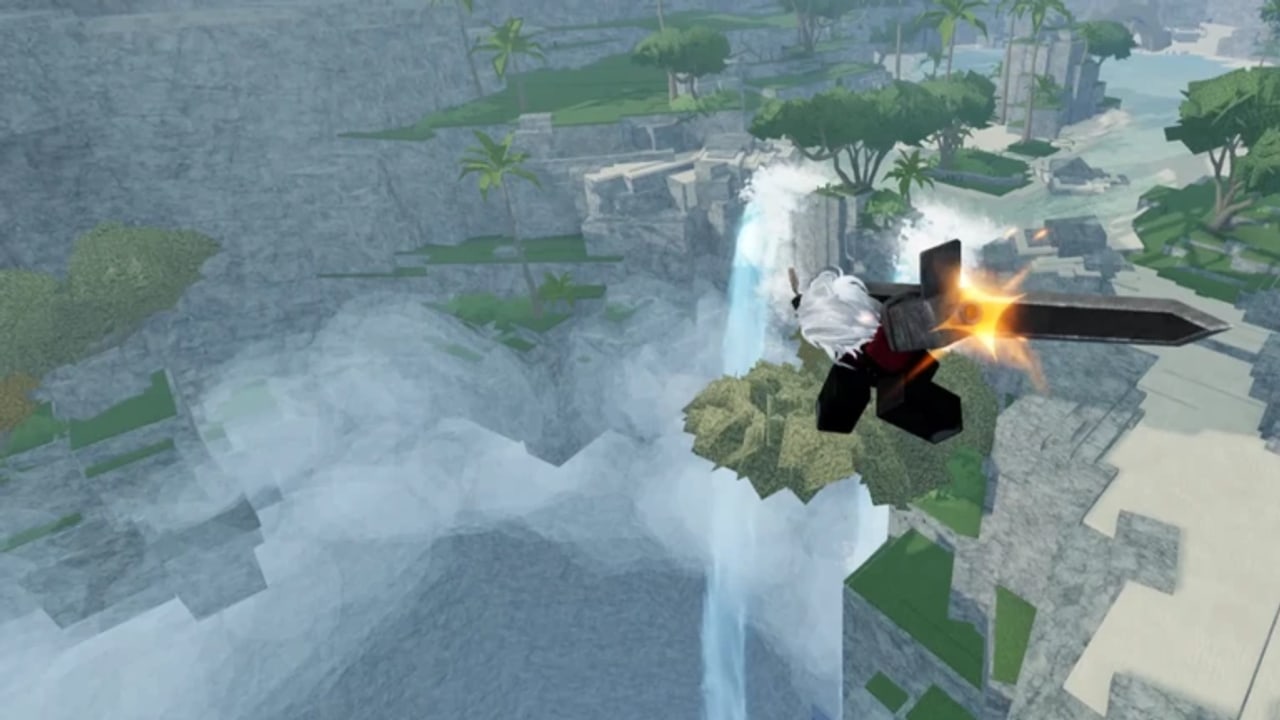
Strikeborn does not currently advertise a public code list, but the client already ships randomized emotes and spins, which is the usual payload for Roblox battlegrounds codes. When a string goes live, you want the redeem path memorized so you are not hunting a hidden button while a limited code dies. This page is the how-to companion to the codes hub.
Before you type anything
- Join the live experience from the official Roblox page, not a copied place ID from a random video description. Older test places still circulate. The early-access guide explains why join-from-friends can land you in the wrong build.
- Finish loading until the HUD, dash pips, and character select are visible. Codes typed on a stuck loading screen do nothing.
- Copy the code from the codes hub or from an official Discord announcement. Do not retype from memory if the string mixes digits and letters.
- Check whether the announcement says the code is case-sensitive. If it does not say, paste exactly as written anyway.
Finding the redeem box
Early-access UIs move. As of the first public paid build, look in this order:
- A Codes, Redeem, or gift-box button on the left or bottom HUD.
- The Shop or accessories panel, which already teases cosmetics and spins.
- Settings (gear icon). Some battlegrounds titles hide the field under a Misc tab.
If you cannot find a field yet, the game simply has not enabled codes. Do not install a “code GUI” script. That is account bait. Read script safety and wait for a patch note on Updates.
Redeem steps
- Open the codes field.
- Paste the full string. No extra space before or after.
- Submit with the on-screen Claim / Redeem button. Pressing Enter works in some Roblox text boxes and fails in others — tap the button.
- Wait for a success or error toast. Spins and emotes often appear in the shop or emote wheel, not as a floating item at your feet.
- If the reward is a spin, spend it on the banner whose rates you can actually read in-game. The Roblox description says rates are displayed in the client; use that, not a YouTube thumbnail.
Errors and what they mean
| Message (or behavior) | Likely cause | What to do |
|---|---|---|
| Invalid / Unknown | Typo, wrong game, or fake list | Recopy from the codes hub. Confirm you are in Strikeborn, not a clone. |
| Already redeemed | Your account already claimed it | Stop retrying. Codes are almost always once per account. |
| Expired | Drop window closed | Move it mentally to Expired; we will mark the hub table. |
| Nothing happens | Field not focused, or codes not enabled | Click the box again, or wait for a patch. |
| Kicked / injected GUI | You ran a script | Change your password, read script safety, do not redeem through exploits. |
Mobile, controller, and PC differences
Strikeborn lists PC, mobile, and controller. On mobile, open the codes field with a tap, then paste from the clipboard — do not try to thumb-type a mixed-case string. On controller, you may need to highlight the text box and use the on-screen keyboard; if Roblox overlay paste is available on your device, use that. PC is the least error-prone because Ctrl+V preserves case.
If a code grants an emote, test it in a quiet corner of the waterfall map before you queue into a 100-player server stomp. If it grants spins, do not dump them until you understand which banner you are rolling. Cosmetics do not change Yuji or Guts frame data.
After you redeem
Log the date you claimed the code in a note if you share an account with a sibling — Roblox codes are per account, and arguments waste good strings. Then go back to real improvement: controls, combat, and a main from starter picks. Codes are a bonus layer on top of a fighter that already asks you to learn air routes.
When SSSStudio eventually ties codes to visit milestones, this page will only change if the button moves. The table of live strings stays on the codes hub. Keep both bookmarked with the Discord link.
Frequently Asked Questions
Quick answers for Strikeborn early-access players.
Why is there no codes button in my game?
Paid early access may not have enabled redeem yet. Wait for an official Discord or updates post instead of using a script GUI.
Are Strikeborn codes case-sensitive?
Treat them as case-sensitive. Paste the exact string from the codes hub or Discord. Extra spaces also fail.
Can I redeem the same code on two accounts?
Usually yes — codes are per Roblox account. You cannot redeem twice on one account.
Do codes work on mobile?
Yes if the field exists. Paste from the clipboard rather than typing. Controller users should use the on-screen keyboard.